Some residents will soon be able to add their Illinois driver's license or state ID to their phone


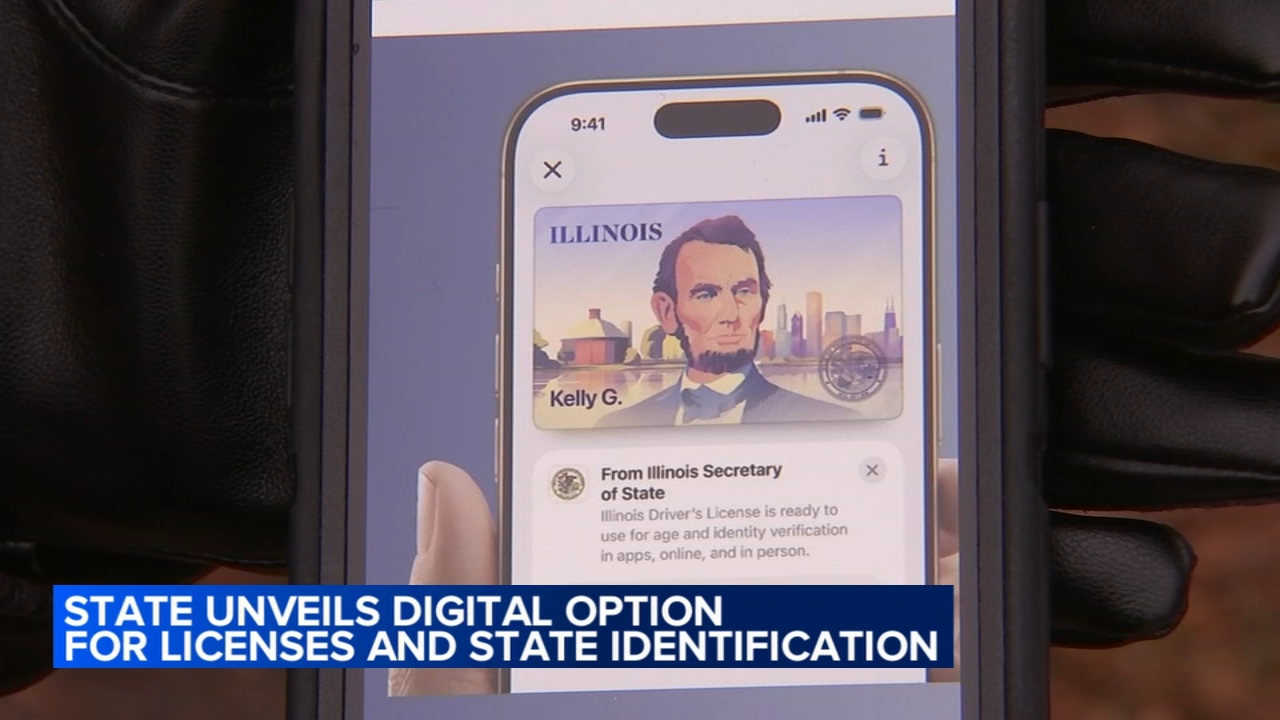
CHICAGO (WLS) -- Starting Wednesday, some Illinois residents will be able to carry their Illinois-issued driver's license or state ID on their mobile phones.
ABC7 Chicago is now streaming 24/7. Click here to watch
Illinois Secretary of State Alexi Giannoulias made the announcement on Tuesday.
Residents can add their Illinois-issued driver's license or state ID to their iPhone's Apple Wallet.
SEE ALSO: New temporary DMV opens in Orland Park after Village Hall location closes
People will be able to present their ID in-person, online and in apps, including at Transportation Security Administration checkpoints at O'Hare, Midway and more.
Giannoulias said the Illinois Mobile ID will soon expand to Google and Samsung Wallets.
"For anyone who has left the house without (a) wallet, today changes everything," Giannoulias said. "The Illinois driver's license and wallet take advantage of privacy and security features already built into Apple Watch to help protect against tampering and theft."
The secretary of state said the Mobile ID is not a replacement for a physical ID. As the program rolls outs, residents must continue to carry their physical ID.
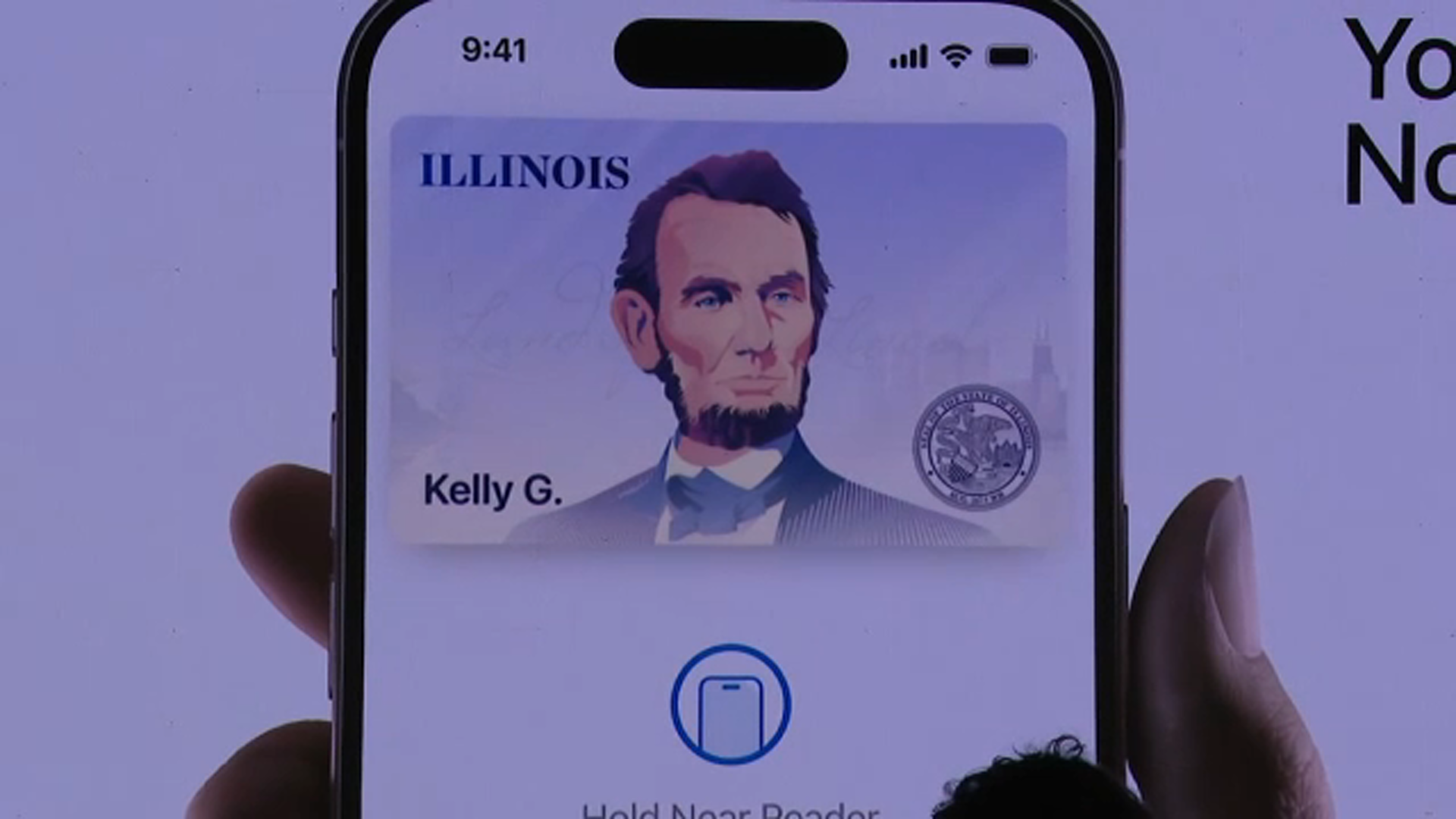
The announcement comes as Apple unveiled its new digital ID system for users to add their U.S. passport information to Apple Wallet, which can be scanned at airport readers.
And while officials say the technology keeps personal data safe and secure, local cybersecurity expert Maurice Dawson, with Illinois Institute of Technology, says while the innovation is definitely needed, security challenges remain around the information database and the end user, especially if the phone where the identification is stored becomes inoperable, corrupted or is stolen.
Illinois joins 12 other states and the territory of Puerto Rico in offering the option. Experts say the cost to maintain physical IDs could eventually force municipalities to go to digital copies, presenting a challenge for those who are not tech savvy and potentially requiring other verifications like biometrics.
How to add your ID to iPhone
Residents can tap the Add (+) button at the top of the screen in Wallet on their iPhone, select "Driver's License or State ID" and follow the onscreen instructions to start the setup and verification process.
You will be asked to scan the physical ID and take a selfie.
As an additional security step, Giannoulias said you will also be prompted to complete a series of facial and head movements.
How to use Mobile ID
To present an ID in person, users can go to Apple Wallet and select their Illinois driver's license and state ID.
It would work similar as the "Tap to Pay" feature.
Users will the hold their iPhone or Apple Watch near an identity reader, review the specific information being requested, and use Face ID or Touch ID to authenticate.