Ditch the keys: How to install a smart lock on your front door
All you need is a screwdriver and a phone

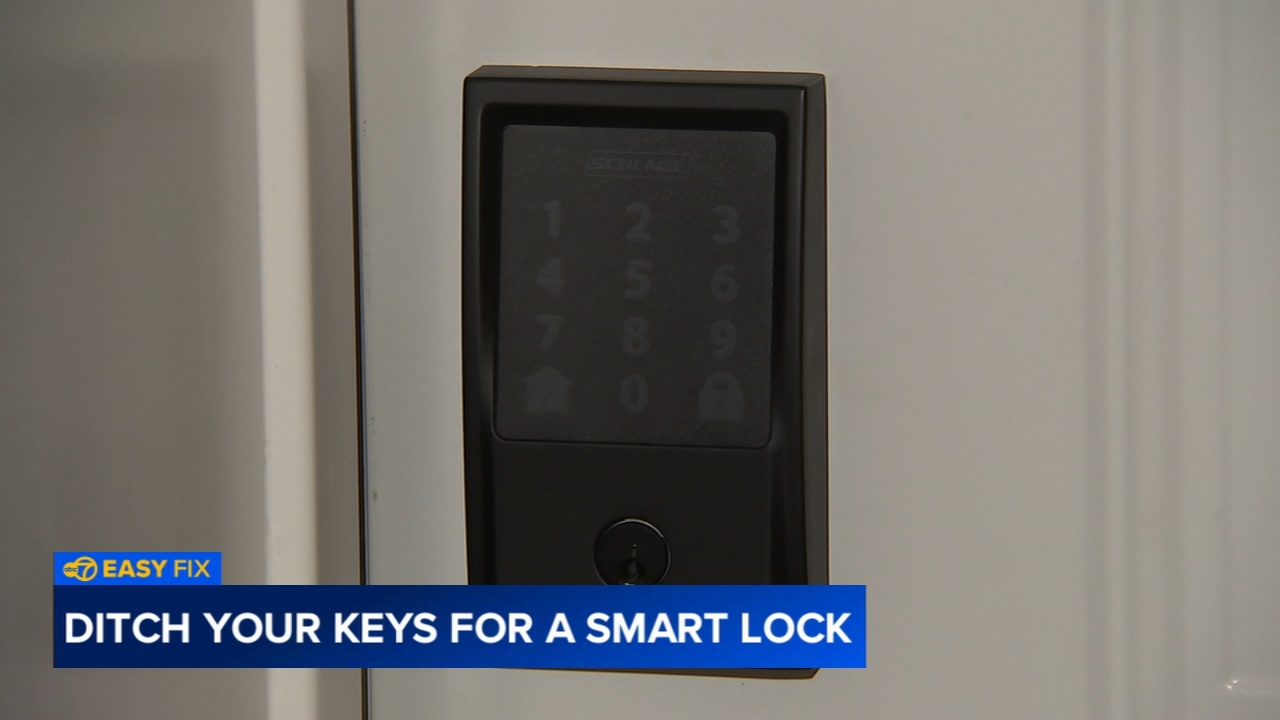
CHICAGO (WLS) -- Picture this. You've locked yourself out of your house. Or, your kids lost their keys AGAIN. A little smart tech might be the peace of mind you've been looking for. Replacing a traditional deadbolt with a digital smart lock is much easier than most homeowners think and can be completed in less than an hour. DIY Playbook's Casey Finn shows us how to ditch the keys for good.
Supplies
-Smart WiFi Deadbolt Kit (including new latch plate and batteries)
-Phillips screwdriver
-Drill (just in case)
-Smartphone
Step-by-Step Breakdown
Step 1: Remove the Existing Deadbolt
Using your screwdriver, unscrew the interior portion of the old lock and remove all the components until you are left with a clean hole in the door.
Step 2: Install the New Latch
Insert the new latch into the edge of the door.
Easy Fix Pro-Tip: If you pop it in and it looks a little short, don't panic! Casey notes that this part is very easy to adjust: "If you look on here, you can just turn it and now it's suddenly longer." Once it's the right length, secure it with screws.
Step 3: Install the Exterior Keypad
Take the keypad and place it on the outside of the door. Feed the cable through the door opening directly under the deadbolt latch and position the exterior unit flush against the door.


Step 4: Attach the Interior Assembly
Connect the wiring harness from the keypad into the interior receiver unit. Tuck the wires away safely, align the assembly, and use your screwdriver to secure the interior portion of the lock firmly in place.
Step 5: Connect the App
Install the batteries into the unit. Open the companion app on your smartphone, scan the QR code on the lock, and follow the prompts to complete the setup and enable remote access.
important Notes
No Keys, No Stress: It's an instant lifestyle upgrade. As Casey points out, "It's nice because you don't need keys when you're coming in or out of your home, especially with kids. They can just put in the code and they have access."
Custom Access: The app allows you to customize your security. "This is the best part. So you can create any four digit code and you can create multiple codes. So if you wanted one for a babysitter or a contractor or a neighbor," you can set them up in seconds.
Standard Fit: Most smart locks are designed to fit standard existing deadbolt openings. You usually don't need to drill brand-new holes into your door.
The One-Touch Lock: If you leave the house with your hands full, locking up is seamless. You can lock it from the inside, control it remotely via your phone, or simply touch the keypad on your way out and boop-it's secure.
Built-in Guides: Don't worry about memorizing every single step before you head to the store. Almost all modern smart lock kits come with detailed, heavily illustrated step-by-step instructions right inside the box to walk you through the process.